
Short answer: Compare the ad and its landing page line by line: the service, the price, the area, the hours and what to do next. When an ad promises one thing and the page says another, people leave without calling. Fix the mismatch before you raise the budget, because more clicks to a weak page only cost more.
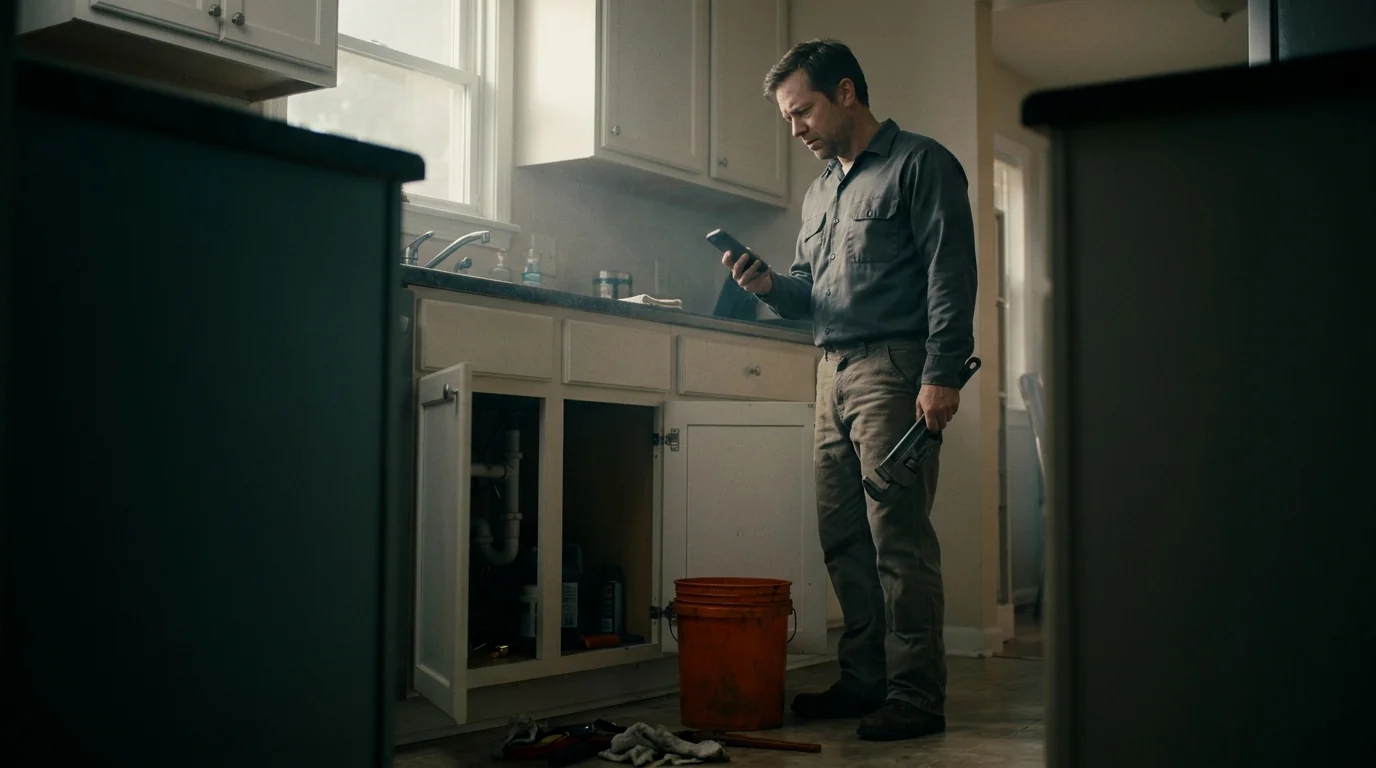
A kitchen faucet is spraying water across the cabinet. A homeowner grabs her phone, searches for a plumber and taps an ad that says "24/7 emergency plumber, $89 drain clearing." The page loads. It opens with a photo of a smiling crew, a paragraph about the company's history and a menu with nine options.
She does not see the $89, the word "emergency" or a phone number. She taps back and tries the next ad.
Free tool: The Ad-to-Page Match Checker compares what your ad says to what your page says and flags the differences. No account needed.
Why plumbing ads are unforgiving
Plumbing searches are often urgent. The person searching has a problem now, and the first page that confirms the service and shows a phone number usually wins. A page that makes them hunt loses. So the gap between ad and page costs more in plumbing than in a business where people comfortably browse.
Our post Ads getting clicks but no calls? Check your landing page first makes the general case, and the home service marketing playbook places it in the bigger picture.
What the Ad-to-Page Match Checker page shows
The tool's own example uses a boiler service business, which is close to plumbing.
| What you enter | Value |
|---|---|
| Your ad says | Boiler service in Example Town for $80 |
| Your page says | Boiler service in Example Town for $90 |
| What you get | Value |
|---|---|
| Matches found | "Boiler service" and "Example Town" |
| Possible mismatch | Price: $80 on the ad, $90 on the page |
| What to do | Check if both prices are for the same offer |
The page's reading: "The service and the town match. The price does not. Look at your page to see if the two prices are for the same thing."
A fictional example: a drain clearing ad
Fictional example. The company, ad and page are made up to show how a check reads.
| What the ad says | What the page says | Result | |
|---|---|---|---|
| Service | Drain clearing | Plumbing services | Possible mismatch |
| Price | $89 | Call for a quote | Possible mismatch |
| Urgency | 24/7 emergency plumber | Office hours listed, no mention of emergencies | Possible mismatch |
| Area | Mount Laurel | South Jersey | Check by eye |
| Next step | Call now | Contact form (phone number in footer only) | Check by eye |
Every row needs attention. The shopper wanted a drain cleared tonight, at the price in the ad, with a phone number. The page offered none of the three above the fold.
A fix would be a page built for this ad: the words "drain clearing" and "Mount Laurel" in the headline, the same price (with whatever conditions apply, written plainly), emergency hours stated and a tap-to-call button at the top.
The five-second test for a plumbing page
Open your ad, then your page on a phone. Within five seconds, can you answer these?
- Does this page do the thing the ad said?
- Is the price the one in the ad, with conditions you can read?
- Are they in my area?
- Can I reach someone right now?
- Is it clear what happens if I call?
If any answer is "no," a visitor in a hurry will leave. This is a judgment you make by eye, and the checker supports it rather than replacing it.
How to use the checker
- Copy your ad's headline, description and extensions.
- Add the page link or paste the page text.
- Read the findings as questions. The page says, "The tool helps you review. It cannot judge meaning."
- Correct anything the tool got wrong. "Your notes are kept apart from what the tool first found."
- Fix the ad or the page, and run it again.
What the checker cannot do
The page states its limits: "The tool matches exact words. It misses other words that mean the same thing." So "drain cleaning" on the page and "drain clearing" on the ad may differ in a way the tool flags, while "plumber" and "plumbing contractor" may pass unnoticed.
Another limit matters for service pages: "Words on a page cannot prove that your form or checkout works." Test the call button and the form yourself on a phone. A beautiful page with a broken phone link is a quiet way to lose calls.
And a match is not a promise kept: "No. Read it in context and look at the page the way a visitor would."
When the match is fine and calls still do not come
Sometimes the ad and page agree and the problem is elsewhere. Possible places to check:
- The ad is reaching the wrong searches. See our post on paying for the wrong Google searches.
- The page loads slowly on a phone.
- Calls are coming in and going unanswered. Check the phone before the page.
- Visitors cannot tell how to reach you. The Website Next-Step Check covers that.
Questions plumbers ask
Should every ad have its own page?
For your most expensive ads, yes. A page built for one ad is easy to match and easy to test. For smaller ads, a few service pages may be enough.
What if my price depends on the job?
Say so plainly, with what the price includes. "Starting at" language should reflect what customers actually pay. Vague or misleading prices drive calls away and may raise advertising-rule questions.
Can I point every ad to my home page?
You can, but the match will be weak. A home page serves many visitors. An ad serves one request.
How often should I recheck?
Whenever you change an ad, a price or a page. A short check before launch prevents most mismatches.
Will fixing the match bring more calls?
We cannot promise that. It removes a reason for people to leave, which is worth doing. Measure calls before and after, and change one thing at a time so you know what helped.
Check one ad today
Open the Ad-to-Page Match Checker with your most expensive ad and its landing page. If you want help rebuilding a page around your best ad, we can do it together. Talk with ThinkDMG or learn about our web design services.
